Porn blocker for Android
A browser filter can stop a known website. It may miss content shown inside an app. If you want a wider barrier on Android, start by deciding what you need to block.
NSFW Locker guides
Find a setup that fits your phone and the apps you use. Start with a practical question, then test the free trial on your device.
A website filter can stop known domains, while screen detection can respond to content inside an app that you still need to use. Android permissions and removal controls affect a different part of the problem, so the guides below explain each choice before asking you to install anything.
Every article includes real screens from the app, setup steps you can verify and limits to look for during the 24 hour trial. Use the section that matches your phone and the route you want to interrupt.
A browser filter can stop a known website. It may miss content shown inside an app. If you want a wider barrier on Android, start by deciding what you need to block.
The best setup depends on where content reaches you. Start with the route you use most, then add a second barrier where the first one falls short.
If you remove a blocker during an urge, a simple on and off switch is rarely enough. Extra removal steps can buy time. They do not make any Android app invincible.
Explicit content does not always live on a dedicated website. A feed, search result or in app browser can show it alongside ordinary content.
A blocker can give you a pause. That pause matters most when the shortcut to disable it is gone before an urge starts.
Samsung adds security and battery controls on top of Android. Those screens can affect how you install and run a blocker from an APK.
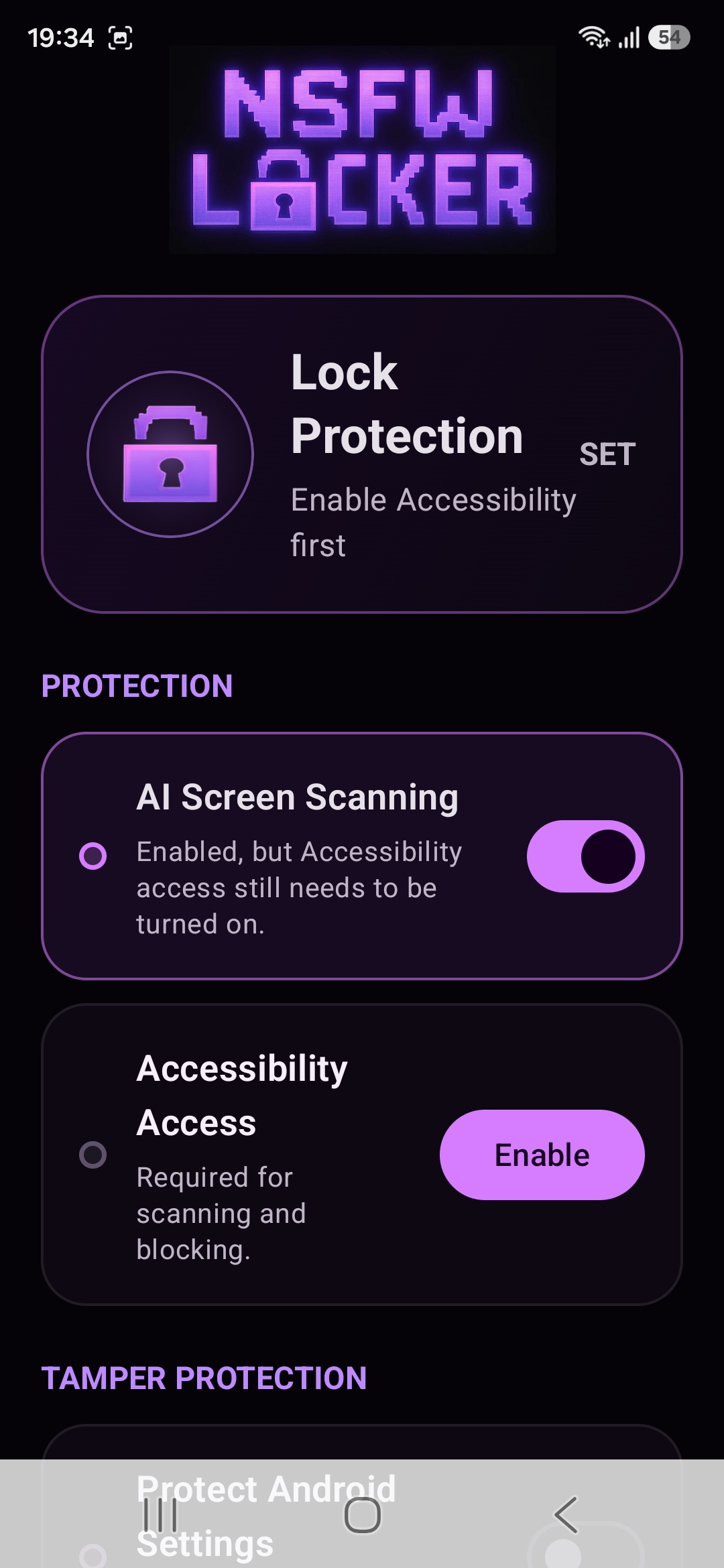
Accessibility is a powerful Android permission. A screen blocking app may use it to support monitoring and blocking across apps, so the decision deserves a clear explanation.
You may already use a VPN. Or you may simply want protection without adding one. A screen based blocker works at a different point in the journey.
If the content appears inside an app you use for other reasons, blocking a list of adult websites may leave the main problem untouched.
Private browsing changes what a browser saves locally. It does not automatically remove every control on the phone. The result depends on where your blocker operates.
Device Admin is an Android system role. NSFW Locker offers it as an optional extra step when someone tries to remove the app.
A trial is most useful when you know what would make the app worth keeping. Pick three things to test before you start the clock.
These tools act at different moments. A DNS filter can stop a site before it loads. A screen blocker reacts to visible content.
Start the 24 hour trial with no card. Follow the setup guide and see how NSFW Locker works in the apps you use.
Open installation guide