Understand what private mode actually changes
A private tab generally limits what the browser keeps after the session. It does not by itself disable a network filter that acts outside the browser, and it does not hide visible screen content from every app on the phone. Browser extensions may have separate permissions for private tabs, so a tool that works in an ordinary tab could behave differently there.
Check the particular browser you use rather than assuming every Android browser has the same controls. An in app browser can create another path because it may use settings different from the standalone browser. The useful test is whether your chosen layer still acts along your actual route, not whether the tab has a private mode icon.
Compare the blocking layers
A domain filter can stop a known adult site in a private tab if the phone continues using the same network rules. It still cannot reliably distinguish explicit posts from ordinary content on one general purpose service. A screen detector approaches that second problem by reacting to what appears on the display, although recognition can fail or produce mistaken blocks.
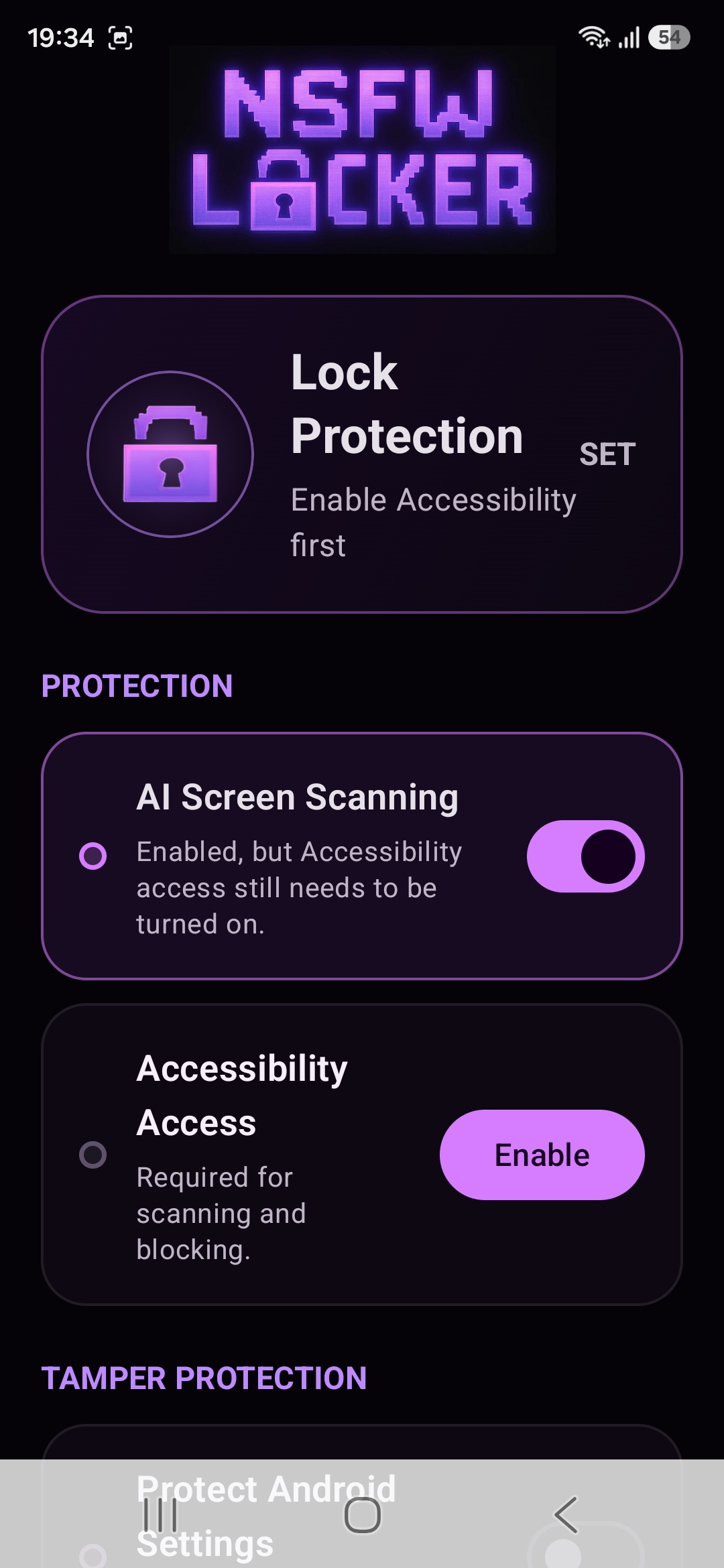
NSFW Locker uses Android screen scanning and Accessibility for its protection flow. Its scanning control is not a browser extension setting, which makes it relevant when you move between normal tabs, private tabs and apps. Confirm that scanning and Accessibility are active before you test any tab, because an installed app alone does not prove the service is running.
Run a careful browser test
During the 24 hour trial, check the browsers and modes you actually use while keeping the test within material you are comfortable viewing. Confirm that ordinary pages still work and that your network based rules remain active on the known domains you intend to block. Then check whether NSFW Locker remains enabled when switching from the browser to another app and back.
Record the exact browser or app screen where protection stops responding during the trial. A missed result might be caused by a permission that is off, a different network route or content the screen scanner cannot inspect. The installation guide shows the permission flow, while the DNS comparison helps isolate which layer is responsible for each outcome.
Know the secure window limit
The privacy policy says screenshot protected windows cannot be viewed by screenshot based detection. Private browsing is not the same thing as an Android secure window, but a particular browser or app screen may use screenshot protection. If the content is hidden from the scanner in that location, switching the app's timed lock will not create visibility that Android has withheld.
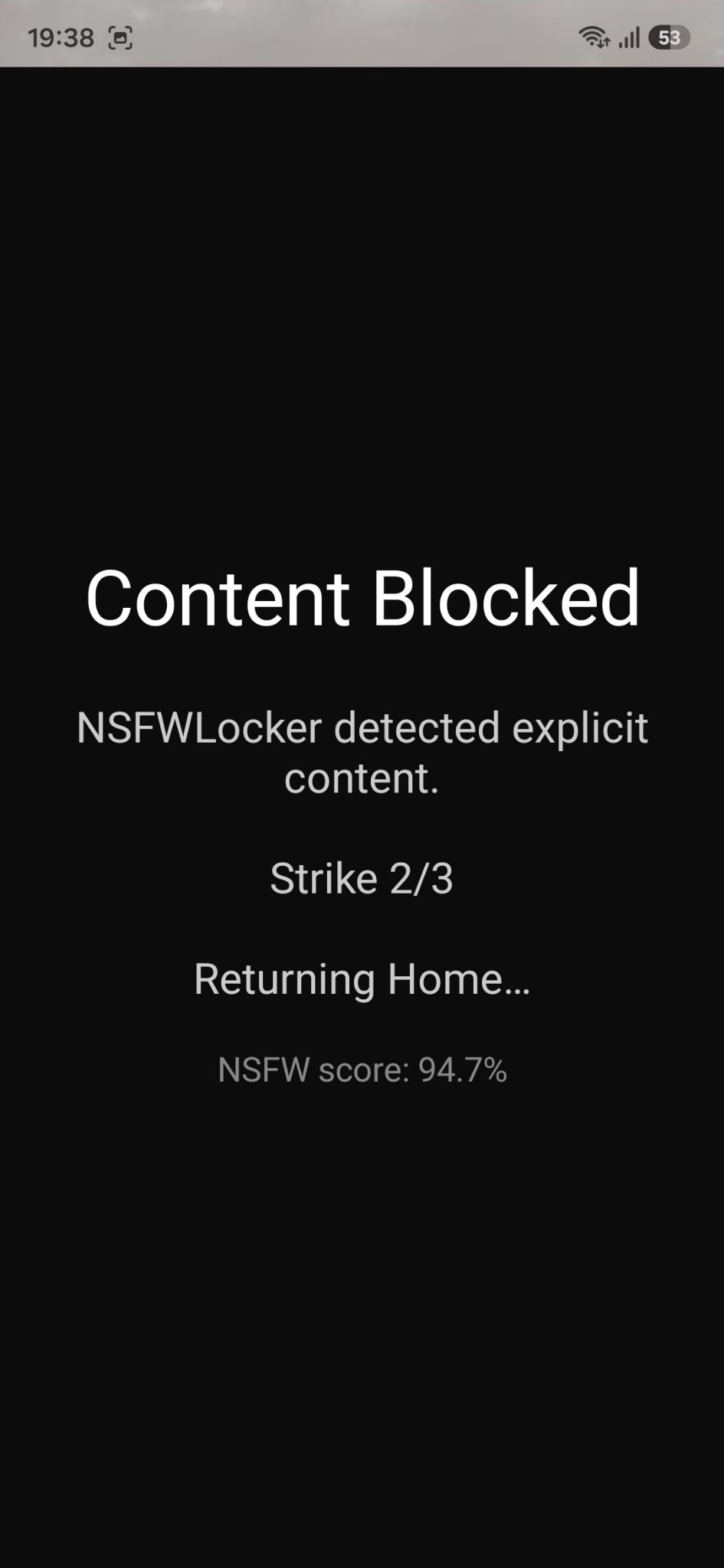
For a known website that slips past screen detection, a domain rule may still be useful because it acts before the page renders. For a mixed feed inside a permitted app, app level settings or removal may work better than a broad network block. Keep the website and mixed feed routes separate when you judge the result of your trial.
Add bypass friction only if it addresses your pattern
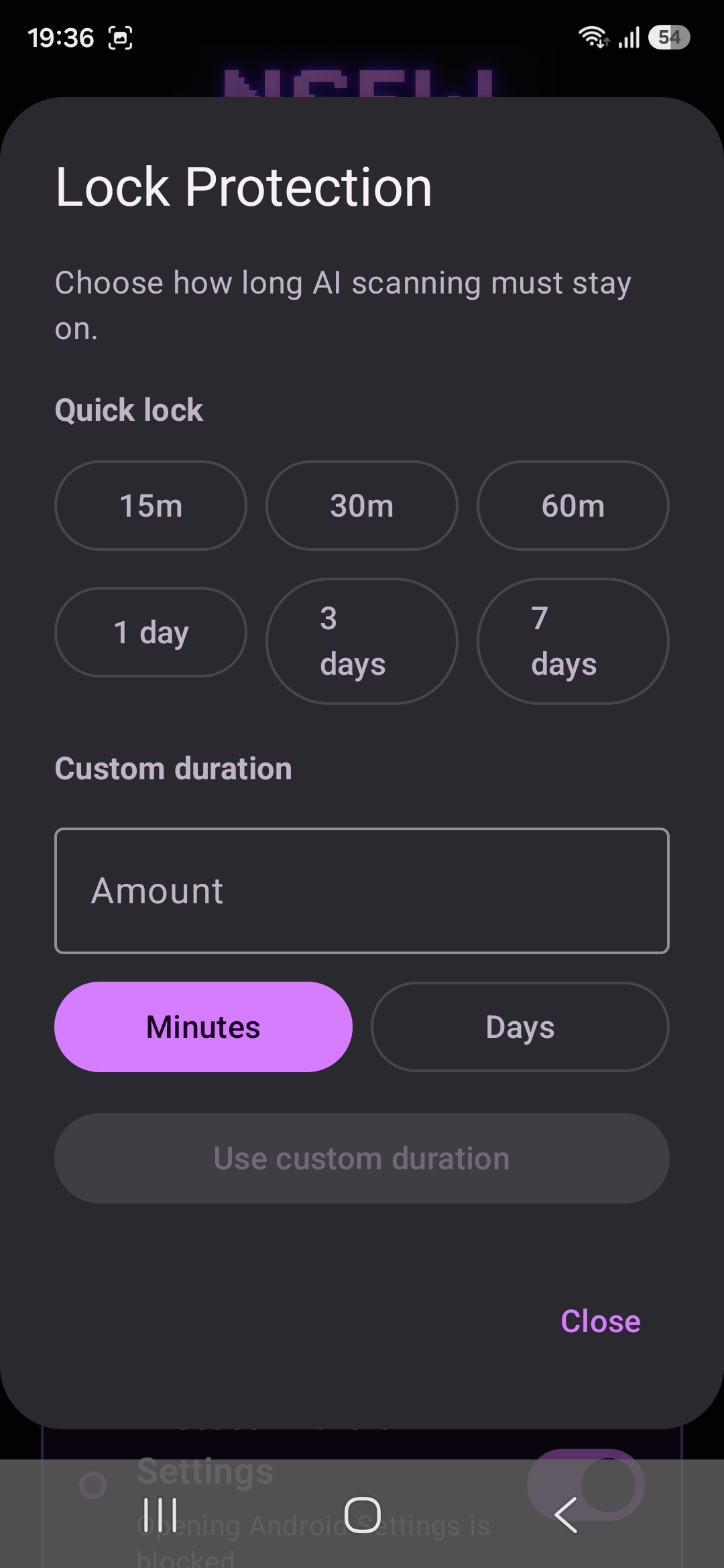
If the problem is that you intentionally turn a blocker off when opening a private tab, optional Settings protection or Lock Protection may add a useful pause. If the problem is a technical coverage gap, those controls will not improve the detector's view. Think back to the exact step that defeated the setup before choosing a stronger permission.
The trial needs no card and gives you 24 hours to observe these differences on your own phone. If you choose to continue, the Android lifetime licence costs £35 for one device. A successful setup is one you have tested across your own browsers and apps, not one that merely lists private mode among its keywords.