How DNS filtering makes its decision
DNS helps a device find the network address behind a domain name. A filtering service can refuse to resolve domains on an adult content list, which can keep familiar sites from opening across several browsers. That is useful when your unwanted route is a predictable set of websites and you prefer the page to be stopped before its content appears.
Domain based rules are less precise on a platform that carries both ordinary and explicit material. If one service carries messaging, ordinary posts and explicit images, allowing the domain may allow all of them while blocking the domain removes the useful parts too. Network configuration also varies, so verify the filter on your device rather than assuming that a setting covers every connection and app.
How screen detection makes its decision
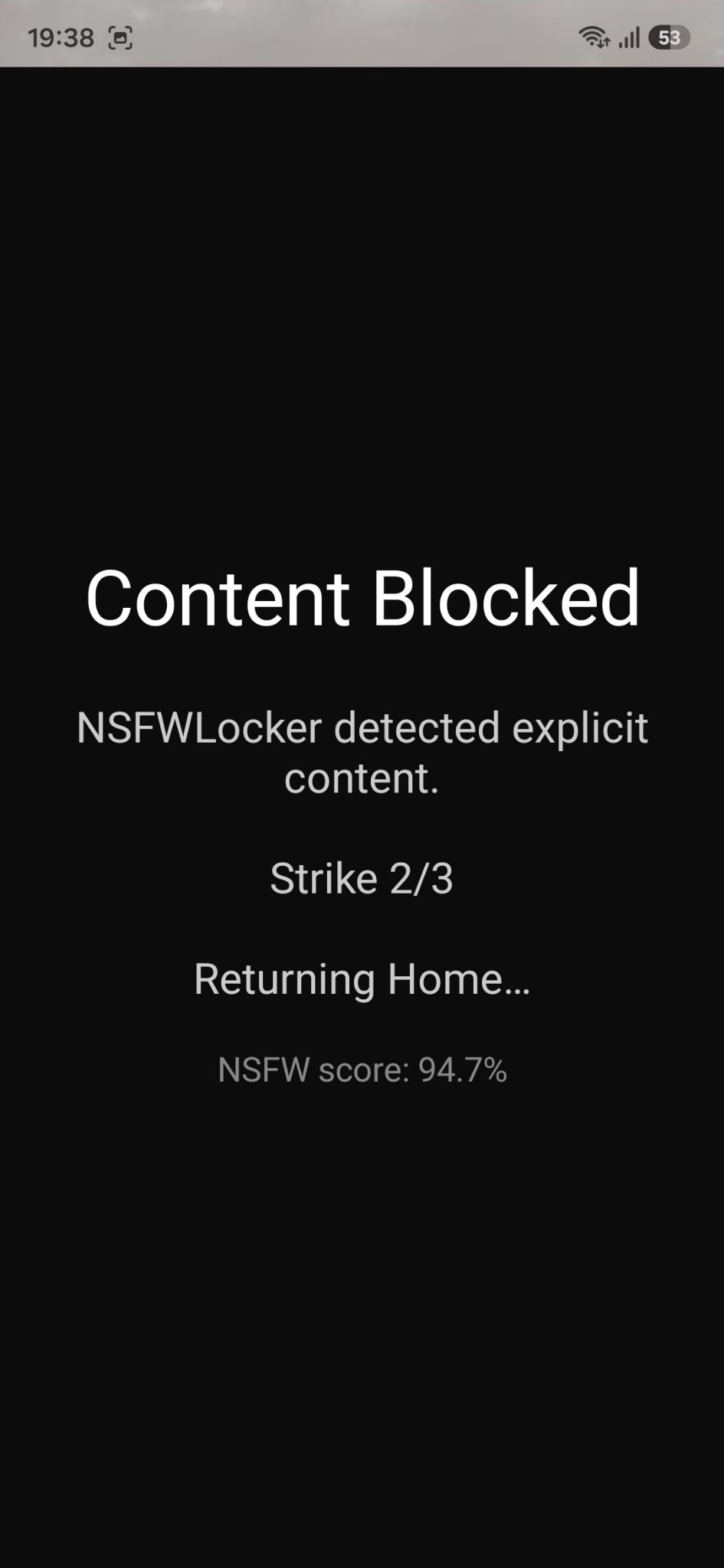
A screen blocker evaluates what appears on the display rather than deciding only from the destination name. NSFW Locker uses Android screen scanning with Accessibility for its protection flow on Android 11 and later. When it detects explicit content, it can display a block screen, add a strike and temporarily block an app after repeated detections.
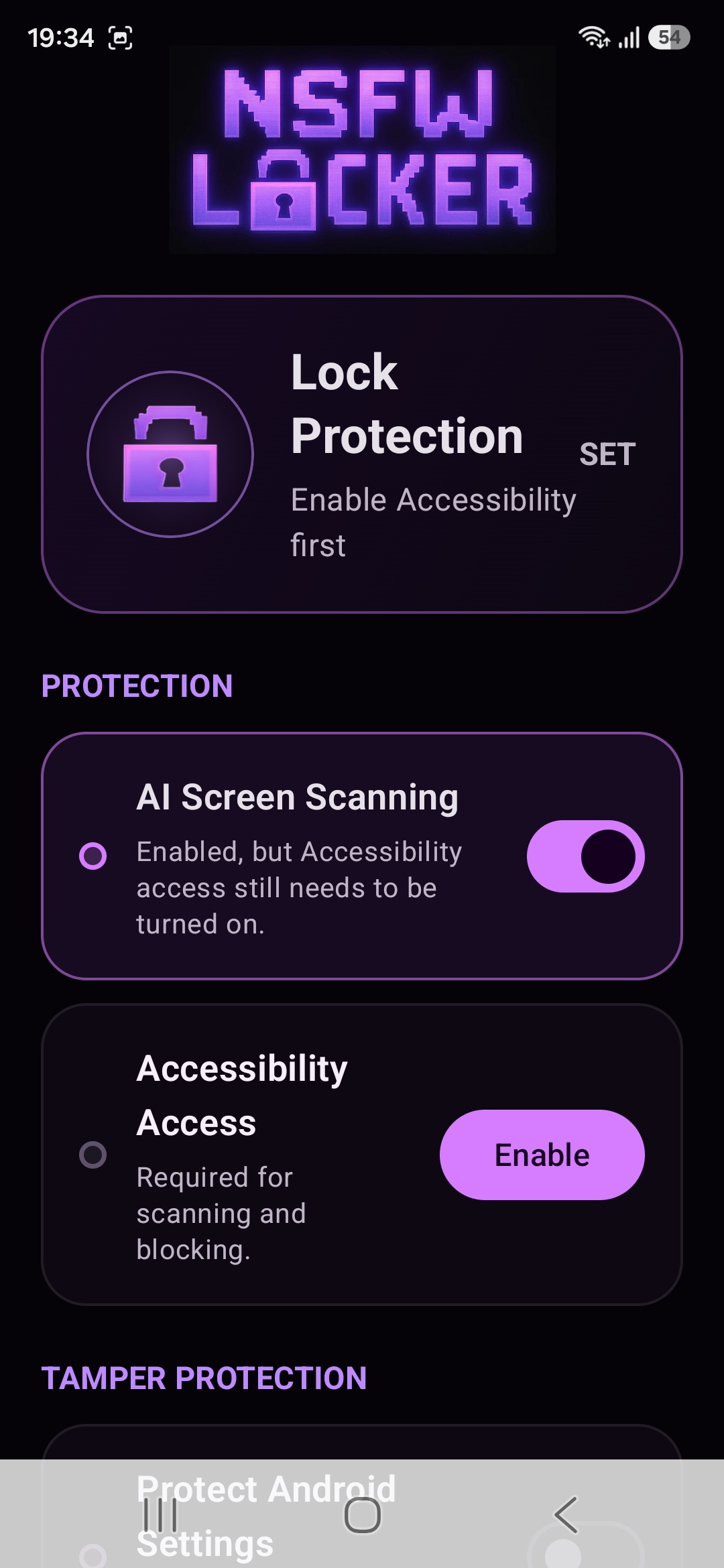
This makes screen detection relevant to image results and app feeds on services you otherwise want to keep. It is reactive, so unwanted material may appear before the response. A detector can also miss content or block harmless material, while Android screenshot protected windows cannot be viewed by screenshot based detection according to the privacy policy.
Compare the gaps before choosing
Think about the last three routes that defeated your current setup. A known adult site points toward a domain rule, while explicit content inside a useful social app points toward a screen or app level control. If the route was turning protection off in Android Settings, neither classification method addresses that action without an additional barrier.
A layered setup can use DNS for known sites and screen detection for mixed content. It can also use an app's own sensitive media settings where those provide a narrower choice. Each additional layer should solve a route you can name, because piling on controls without a test makes it difficult to know which one helps.
Check permissions and data handling
A network filter changes how domain lookups are handled, so its provider and configuration deserve scrutiny. NSFW Locker's screen approach asks for a different form of trust: Android Accessibility permission and access needed for screen detection. Read the system prompt and the privacy policy before granting access.
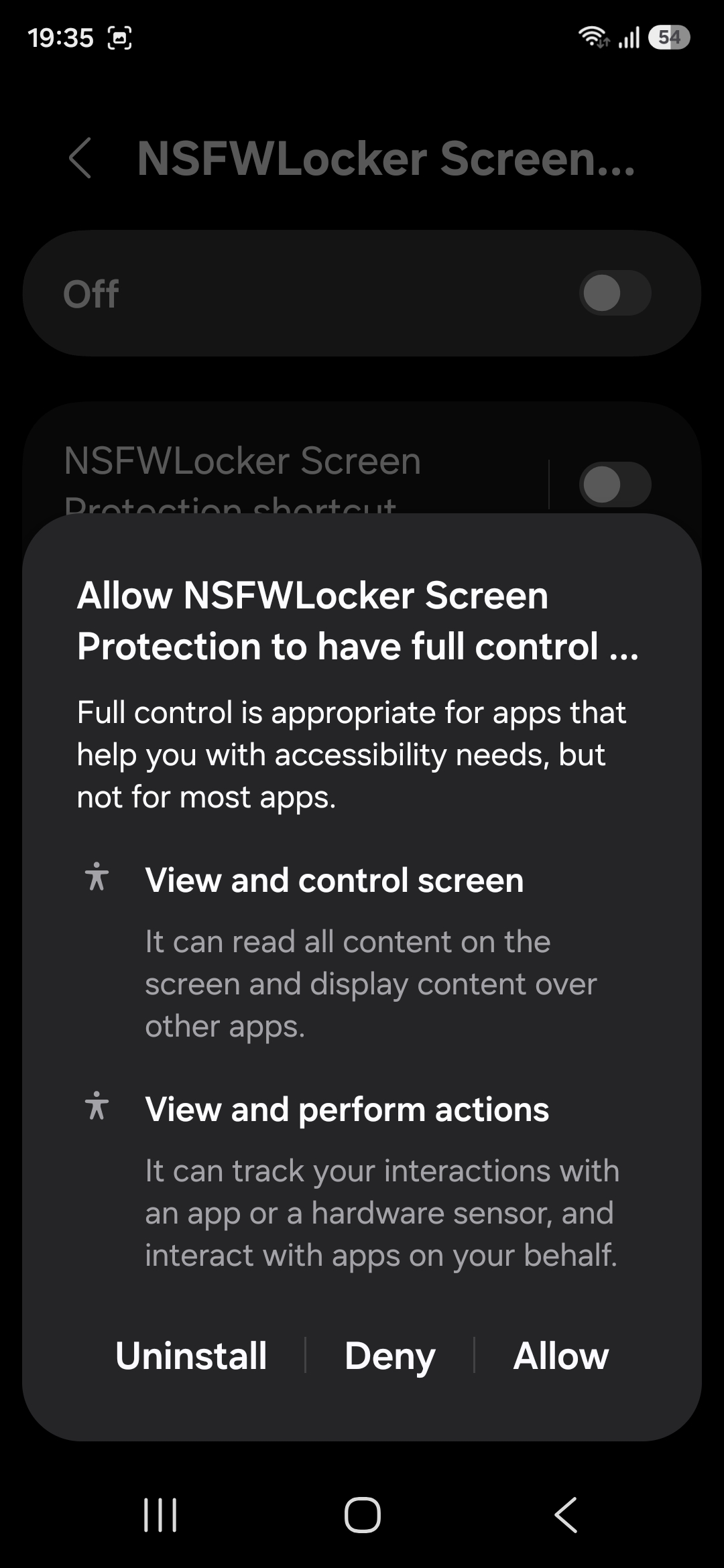
The policy states that detection screenshots are analysed locally in memory and are not uploaded to NSFW Locker servers or saved by the app to the Gallery. It also describes a device identifier used for trial and licence operations. These details help you compare tools on privacy and permissions instead of deciding only by the word VPN on a feature page.
Run the same test for both methods
Check a known website route with a domain filter, then check a mixed feed or app route with the screen blocker during NSFW Locker's 24 hour trial. Confirm that normal sites and app tasks still work, and record any missed content or false blocks. If you use both methods, repeat the test with both enabled to observe the actual combined result.
The trial needs no card and the Android lifetime licence is £35 for one device after it ends. Use the illustrated installation guide to complete scanning and Accessibility before assessing coverage. The best result is the smallest combination that blocks your real routes without making daily use of the phone impractical.