Separate website blocking from content detection
A website filter acts on a destination such as a domain or URL. This can stop a familiar adult site before the page appears, which is often the cleanest solution when the sites are predictable. A general platform may carry both ordinary and explicit posts under the same domain, so the filter may either allow both kinds of content or block the whole service.
Screen detection works after an app or page opens, when material is already visible on the display. It can then react to explicit content even when that content appears alongside ordinary posts on the same service. This approach can help when you want to retain access to an app for messages or other useful features, but it relies on detection quality and access to the screen. The comparison with DNS filters explains the tradeoff in more detail.
What the NSFW Locker screen flow does
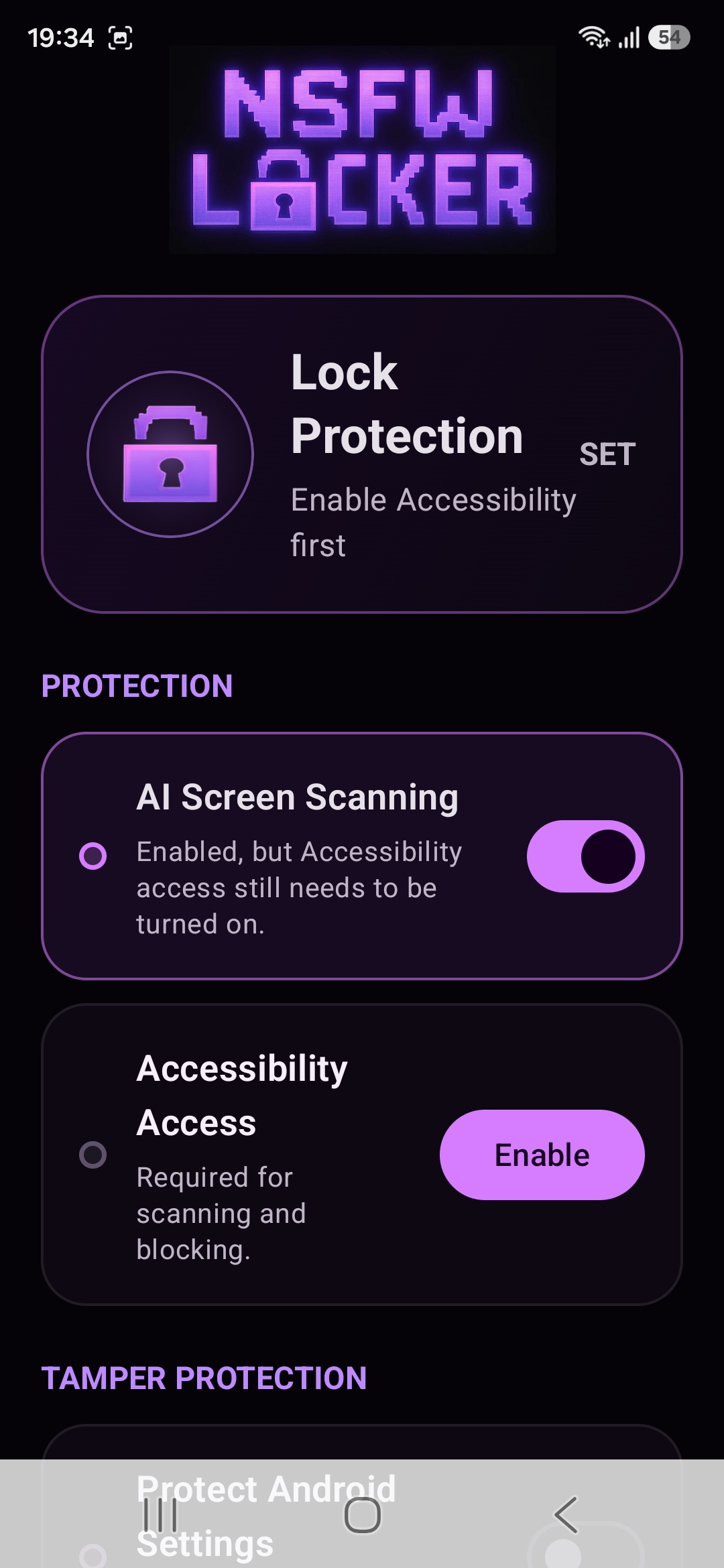
NSFW Locker's Android app offers AI Screen Scanning and an Accessibility service as part of its screen protection flow. After a detection, the app can display its Content Blocked screen and add a strike. Repeated detections can cause a temporary block of the app where content appeared, giving you another interruption after the first warning.
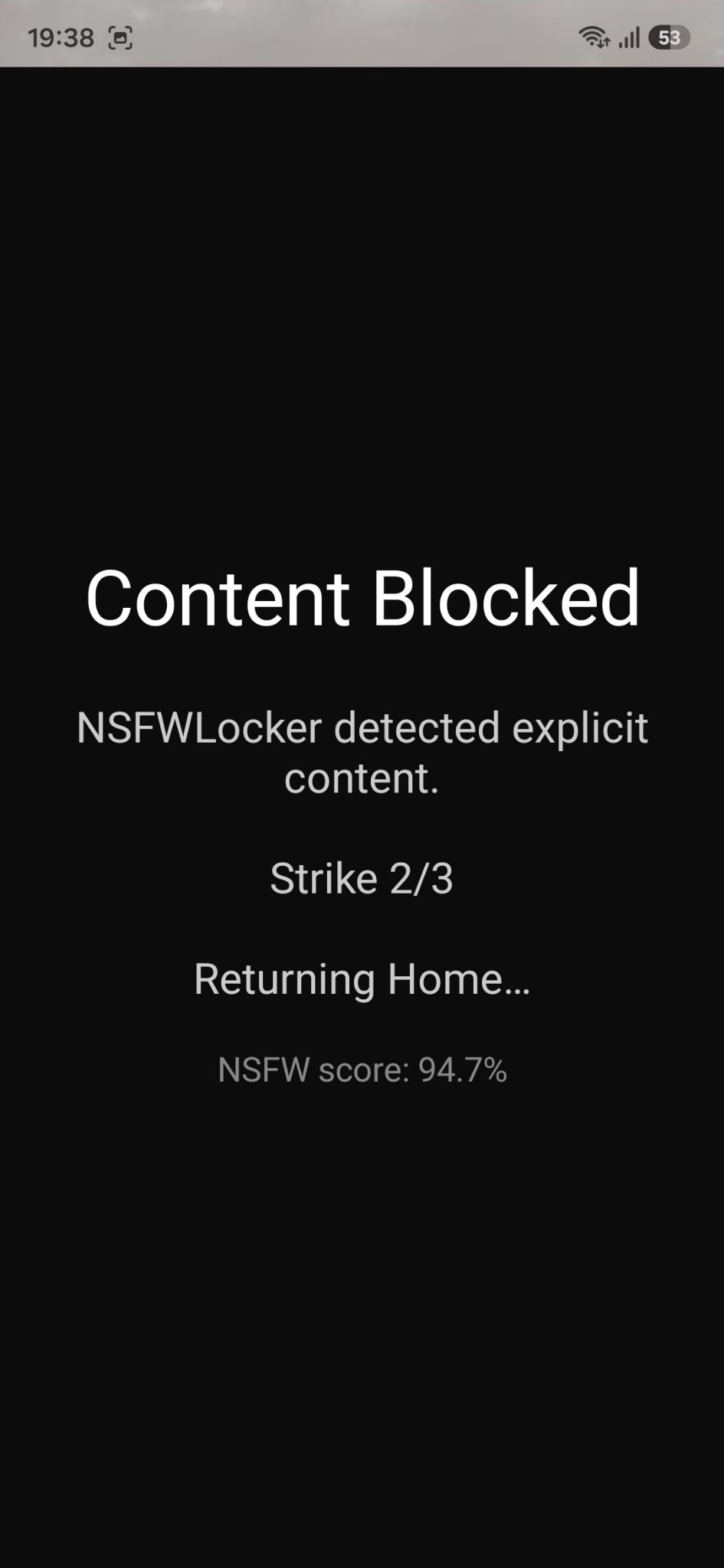
The screenshot is an example of the app's response, not proof that every image or video will be caught on every device. During the trial you should test the feeds and browsers that matter to you, then note both missed cases and mistaken blocks. If an entire app is consistently unsuitable for you, removing or limiting that app can be more straightforward than relying on detection for every post.
Check the permission and privacy boundary
To set up this protection, turn on scanning and follow the Accessibility prompts in the installation walkthrough. Android presents a sensitive permission screen because Accessibility services can interact with device content. Read that prompt on your phone and decide whether the function is worth the permission for you.
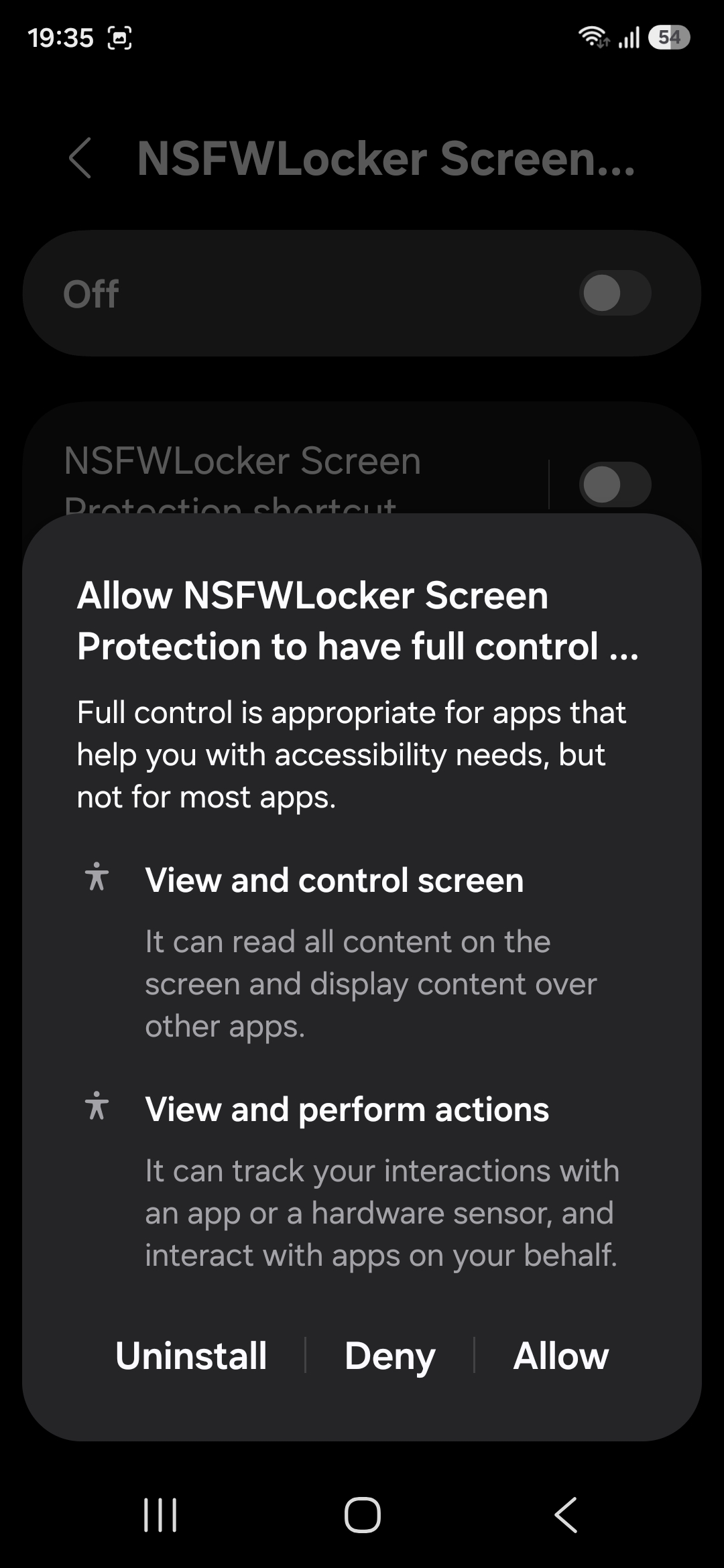
The privacy policy states that detection screenshots are analysed locally in memory and are not uploaded to NSFW Locker servers or saved by the app to the Gallery. It also notes a meaningful limit: apps can protect sensitive windows from screenshots, which means screenshot based detection cannot inspect those windows. That gap should be part of your decision rather than buried in a footnote.
Build a realistic layered setup
For known adult sites, a browser or DNS filter can prevent access before you see the page. For mixed content inside apps, screen detection can add a second barrier. For the moment when you want to turn protection off, optional Settings protection or a timed lock can add friction, although those controls do not improve the scanner's ability to recognise an image.
Choose layers based on the route that failed most recently, then test the combined result during an ordinary day. The 24 hour trial requires no card and lets you see whether the app supports your actual routine. If the central issue is content inside app feeds, the guide to blocking content in apps goes through that case in more detail.
Decide from observed behaviour
The useful question is not whether a product promises to block everything, because that is difficult to verify on a changing Android device. Ask whether it interrupts the content you want to avoid in the apps you use while leaving ordinary tasks usable. Record specific gaps so you know whether another layer would address them.
If a protected window prevents detection, a domain filter or app level restriction may still help in that location. If mistaken blocks interfere with normal use, a broad content detector may not fit your needs. A careful trial gives you more information than a list of search results or a claim on a landing page.