What a network filter is good at
A DNS or VPN based filter can prevent connections to known adult domains before a page opens. That can be a strong first layer when your unwanted route is a list of familiar sites. The setup may cover several browsers without installing an extension in each one, although the result still depends on the filter's rules and the phone's network settings.
General purpose platforms create a harder filtering decision because ordinary and explicit posts share the same service. A domain filter sees the address of the service rather than the subject of each image in its feed. Blocking the whole domain can remove useful content alongside explicit material, while allowing it can leave the unwanted image visible. This is why a network filter and screen detection solve related but different problems.
How a screen based blocker differs
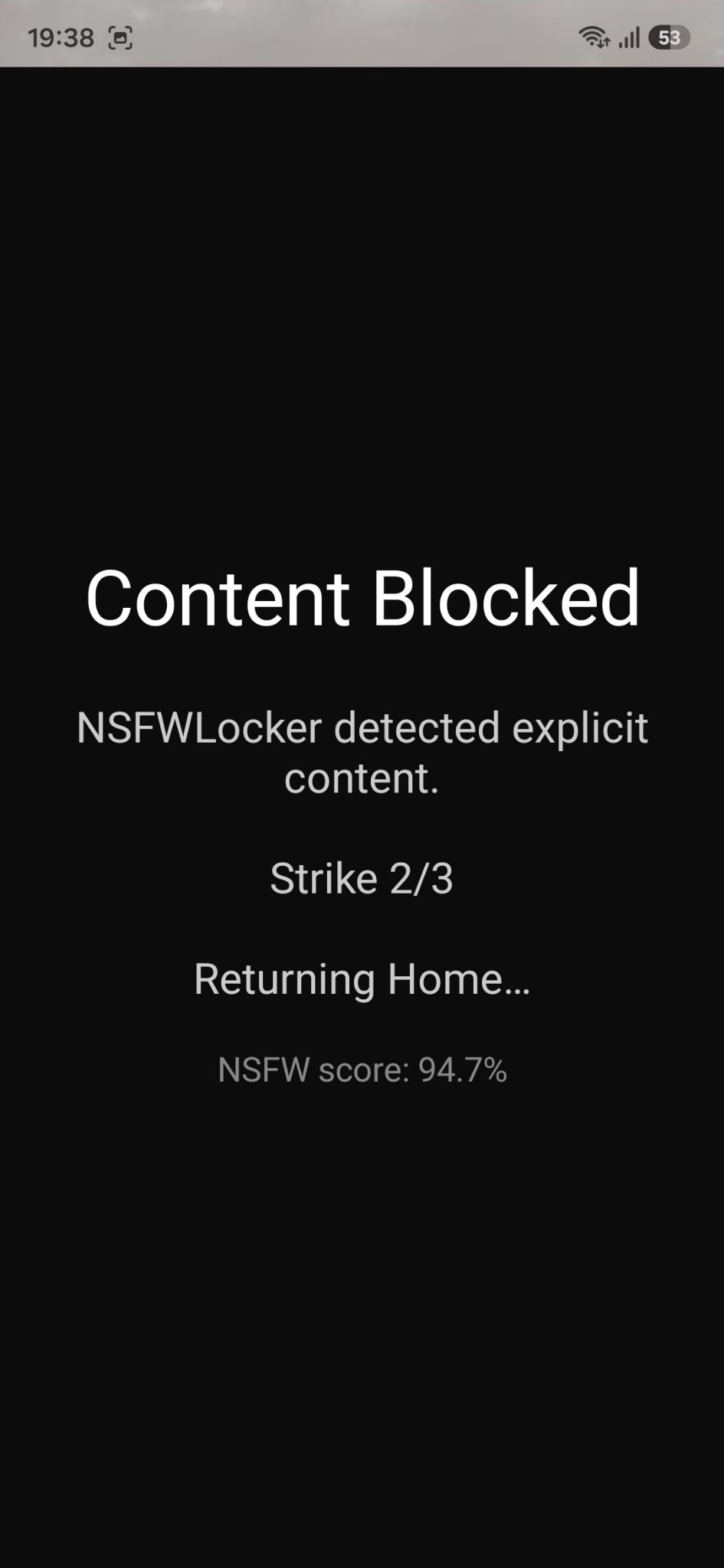
NSFW Locker uses AI Screen Scanning and Accessibility as part of its Android blocking flow, and its installation guide does not require you to configure a VPN. When the app detects explicit screen content, it can show a block screen and add a strike. Repeated detections can temporarily block an app where the content appeared.
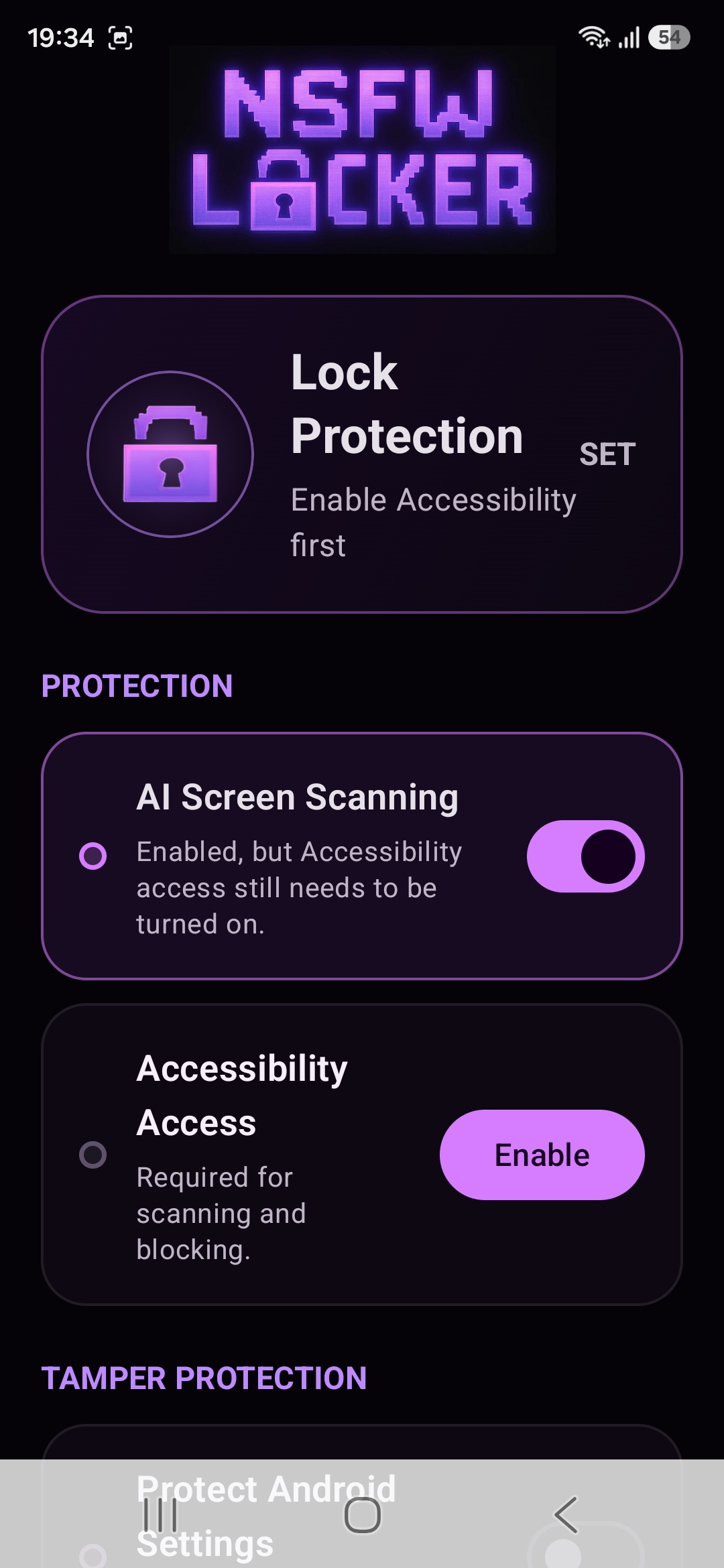
This makes the app relevant when explicit material appears inside a service you still use for ordinary purposes. Detection acts after content reaches the display, so it cannot replace the preventive value of a domain block on a known adult site. It can also miss content or cause a mistaken block, which is why a real trial is more useful than assuming one layer covers everything.
Consider privacy and visibility separately
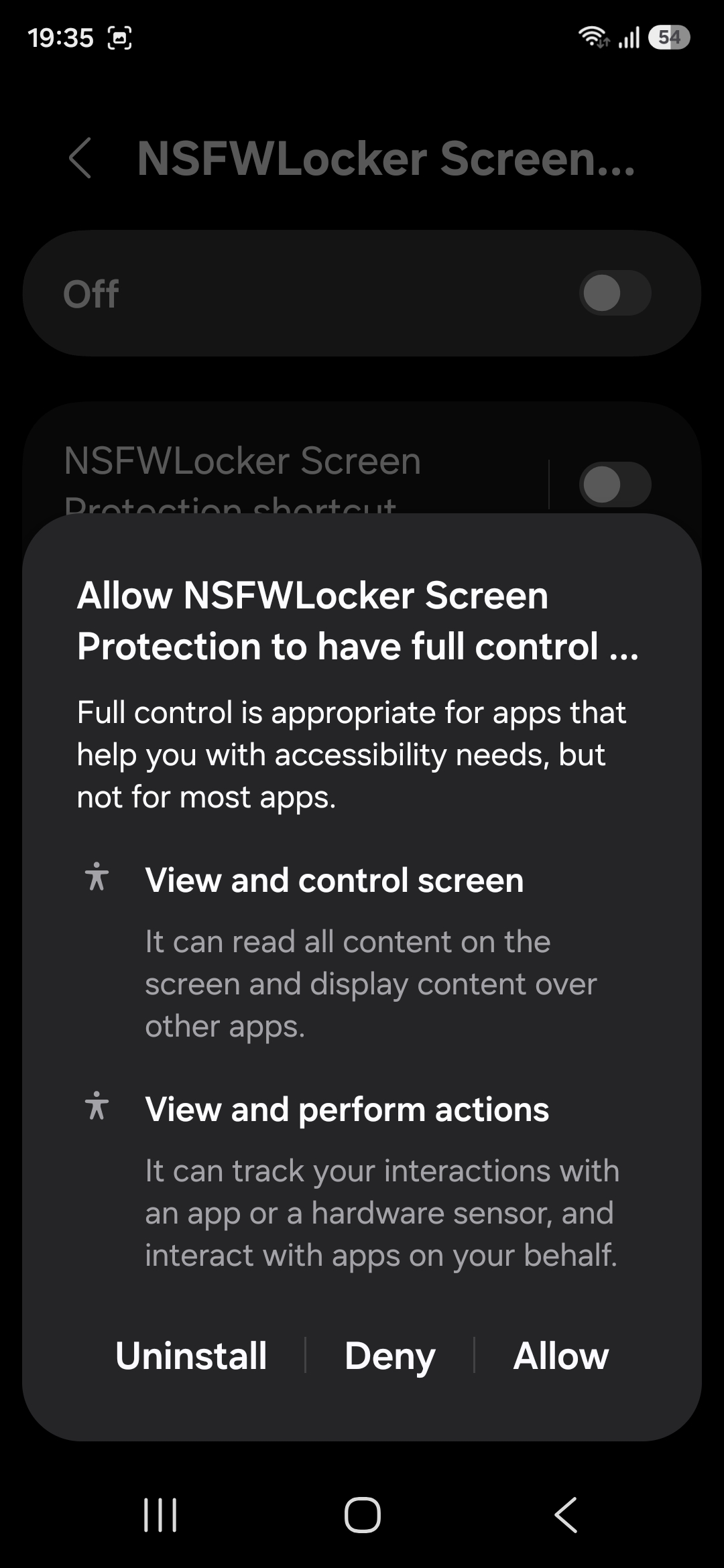
Avoid assuming that no VPN automatically means no sensitive permission. NSFW Locker needs Accessibility for its protection flow, and Android presents a separate system prompt for that access. Read the Android dialog before granting the service access to the phone’s content. The privacy policy says detection screenshots are processed locally in memory and are not uploaded to the company's servers or saved by the app to the Gallery.
The same policy notes that screenshot protected windows cannot be inspected by screenshot based detection. This is a visibility limit rather than a network issue, and a VPN would not make the screen scanner see a protected window. If the hidden content sits on a known domain, a network filter may still block that route before it appears.
Test the combination you actually want
If you already use a VPN, check whether it conflicts with the way you prefer to filter domains before adding more tools. NSFW Locker's screen protection can be evaluated separately during the 24 hour trial. Use ordinary apps, browsers and feeds while recording where the scanner interrupts content and where it does not.
Choose the combination of controls based on the route that failed during your own test. A known website suggests a domain rule, an explicit image within a useful app suggests a screen level check and a quick Settings bypass suggests an optional tamper control. The screen blocker and DNS guide gives a side by side decision process without claiming that either method is complete.
Decide after the 24 hour trial
Finish the illustrated setup before starting your comparison, then verify that scanning and Accessibility remain active as you switch apps. Check ordinary tasks as well as the app feeds you want to avoid, because a useful blocker must fit everyday phone use. If you find a gap, identify whether it belongs to the network layer, the visible screen or the removal path.
The trial requires no card and the lifetime Android licence is £35 for one device afterwards. The reason to buy is a result you observed on your phone, not merely the absence of a VPN setting in the installation process.